One list - one shared picture
Shopping removes “did you get the bread?” from family chats. Create a list, invite your family, friends or housemates, and everyone sees current items and bought markers right away.
What the app does
- Shared lists. Add someone as a friend by their short account code, then open lists to them with a single tick. No phone books, no phone numbers.
- Real-time sync. A change on one phone appears for everyone else within seconds.
- Works offline. Tick and edit items in the shop; changes sync when the network is back.
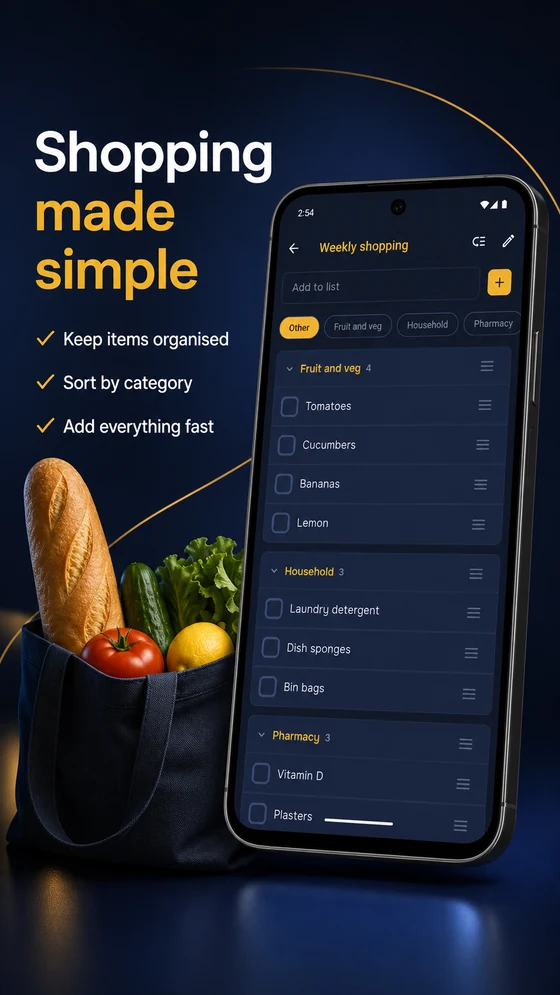
- A helpful order. Group items into categories and arrange them the way you move through a store.
- Personal suggestions. The app remembers item names and offers them next time; these suggestions remain yours alone.
For people who shop together
When someone adds or ticks off an item, everyone else sees the result without refreshing. Bought items move to a separate area rather than disappearing, so you never lose context.
Privacy and access
Shopping contains no advertising, uses no behavioural analytics, and does not ask for contacts, photos, microphone or location access. The app is free. Read the details in the privacy policy.
What you need to start
- Android 8.0 or newer. An iOS version is in the works.
- Sign in with Google or Apple; the app never sees your password.
- Internet is needed to sync, not to view or edit your own list.